Why Is My Google Ads Spend So High With No Results?
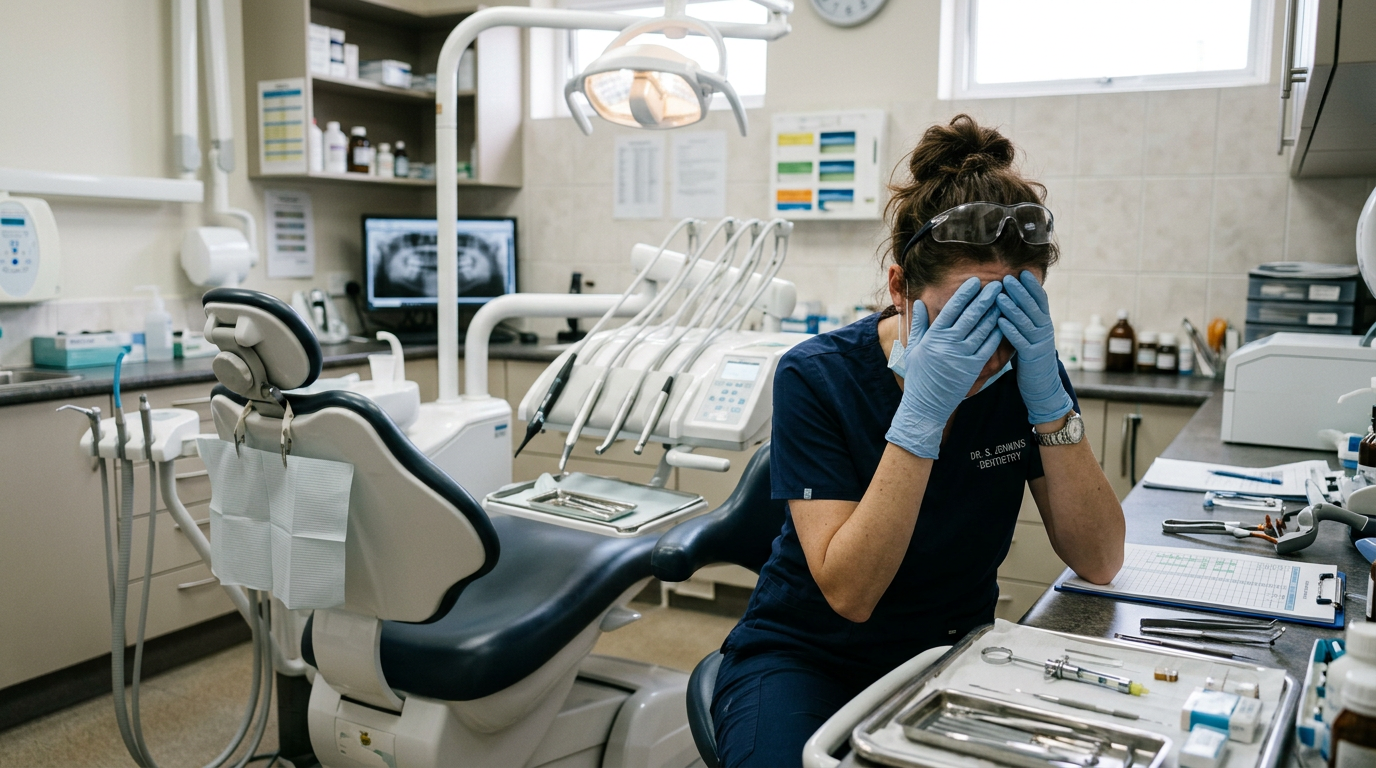
You get your monthly credit card statement. Google Ads has taken £1,500. You immediately check your practice management software to see the return on that investment.
Zero new Invisalign consults. Zero implant enquiries.
The frustration is entirely justified. You are essentially setting fire to £50 a day. When this happens, most practice owners assume that “Google Ads just doesn’t work for dentistry anymore.”
But the truth is, Google Ads works exceptionally well. If you are spending a fortune and getting no patients, the platform isn’t broken—your setup is. You are likely bleeding budget through three common, easily fixable leaks.
1. The "Smart Campaign" Trap
When you first sign up for Google Ads, Google holds your hand. They encourage you to set up a “Smart Campaign” (previously called AdWords Express).
You write two lines of text, tell them your daily budget, and Google promises to “do the rest using AI.” It sounds perfect for a busy principal dentist.
The Reality: Smart Campaigns are designed to make Google money, not you. They remove your control. Google will take your broad keyword like “Dentist” and show your ad to almost anyone, on almost any website, until your daily budget is exhausted.
The Fix: You must switch your account to “Expert Mode.” Professional campaign management relies on manual bidding, highly specific ad groups, and total control over exactly which search terms trigger your ads. Do not let Google’s automated systems guess what your business needs.
2. Location Targeting Disasters
You own a private practice in Leeds. A patient looking for dental implants in London is never going to sit in your chair. Yet, you might be paying for their clicks.
How does this happen? Google’s default location setting is sneaky. By default, it targets: “People in, or who show interest in, your targeted locations.”
This means if someone in London is reading a news article about Leeds, or searching for a hotel in Leeds, Google decides they have “interest” in your area and shows them your ad. They click it by mistake, bounce off your website, and you lose £8.
The Fix: You must dive into your location settings and change the target to: “Presence: People in or regularly in your targeted locations.” Then, draw a strict 5-to-10-mile radius around your practice postcode. Only pay for clicks from people who can actually drive to you.
3. The Missing "Negative Keywords"
If there is one single reason your budget is vanishing, it is this.
You tell Google you want to show up for the keyword “Dental Implants.” Without strict parameters, Google uses “broad match.” Your ad will now show up for:
“Free dental implants on the NHS”
“Dental implant training courses for nurses”
“Dental implants in Turkey”
“How to remove a dental implant at home”
Every time someone searches one of those phrases and clicks your ad, you pay. You are paying for people who have zero intention of buying a £2,500 implant from you.
The Fix: You need a Negative Keyword List. This is a list of words you give to Google, telling them when not to show your ad. A good dental campaign should have hundreds of negative keywords, including: free, NHS, cheap, abroad, Turkey, training, salary, student, jobs, DIY. A robust negative keyword list acts as a bouncer for your budget, only letting high-intent buyers through the door.
Summary: Stop Feeding the Machine
If you are running Google Ads without strict rules, you are writing Google a blank cheque.
Ditch the DIY: Turn off “Smart Campaigns” and use Expert Mode to regain control.
Lock down your location: Only target people physically sitting within a 10-mile radius of your reception desk.
Build your bouncer: Use extensive negative keywords to block students, job seekers, and bargain hunters from clicking your ads.
If you suspect your Google Ads account is leaking money, do not just increase the budget hoping things will improve. You need to plug the holes first. We can run a full diagnostic audit on your Google Ads account to show you exactly where your money is going.
Click here to book a strategy call with Dentify Digital.